
Zero-shot object detection and instance segmentation
Start from a prompt, then tune it to your subject with annotated images
Say what to look for, and it finds it
Name what you want found in the image, in English. Working from that wording — the prompt — an AI that locates the subject and its shape: that is zero-shot object detection and zero-shot instance segmentation. Detection can start before any training images or annotation of your inspection subject exist.
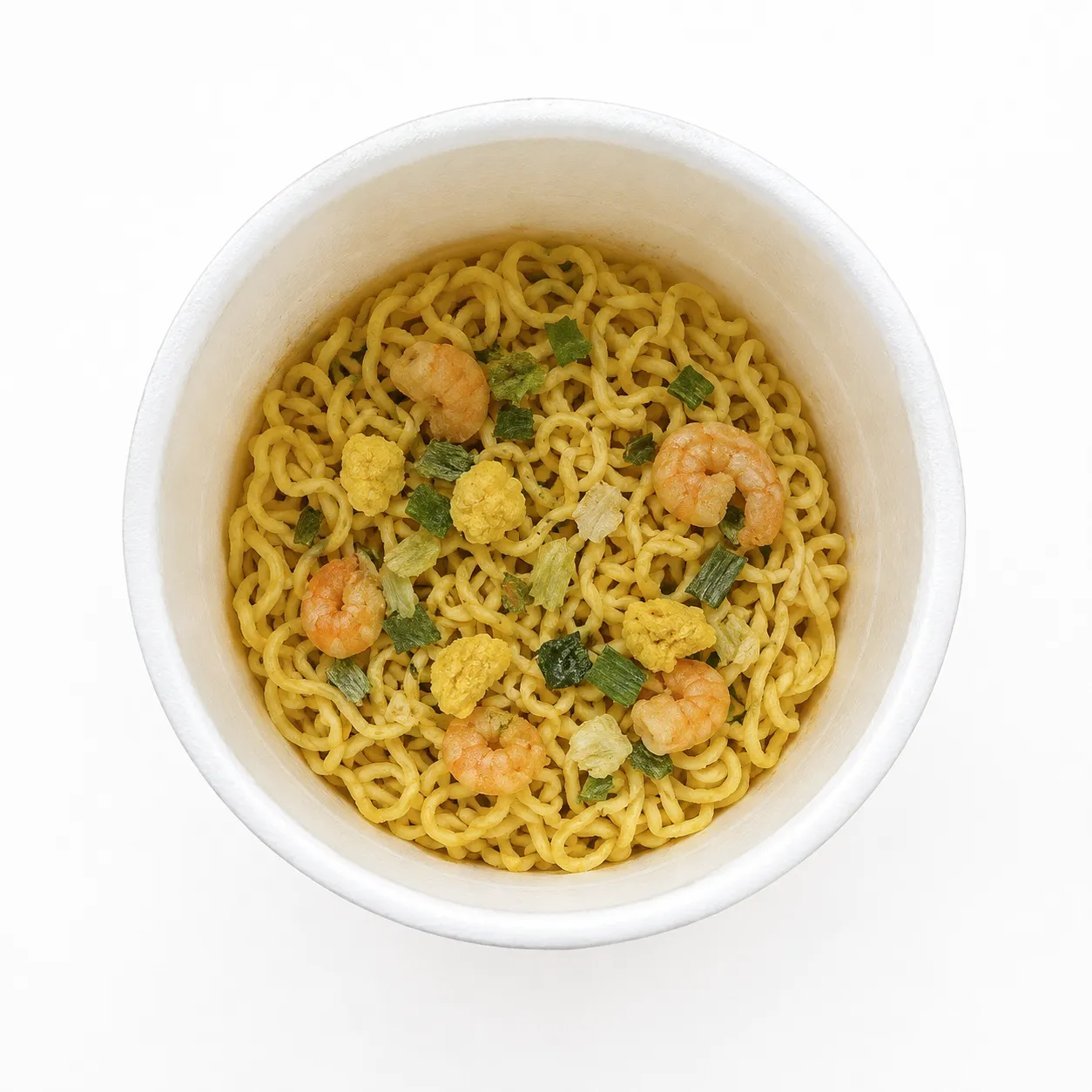
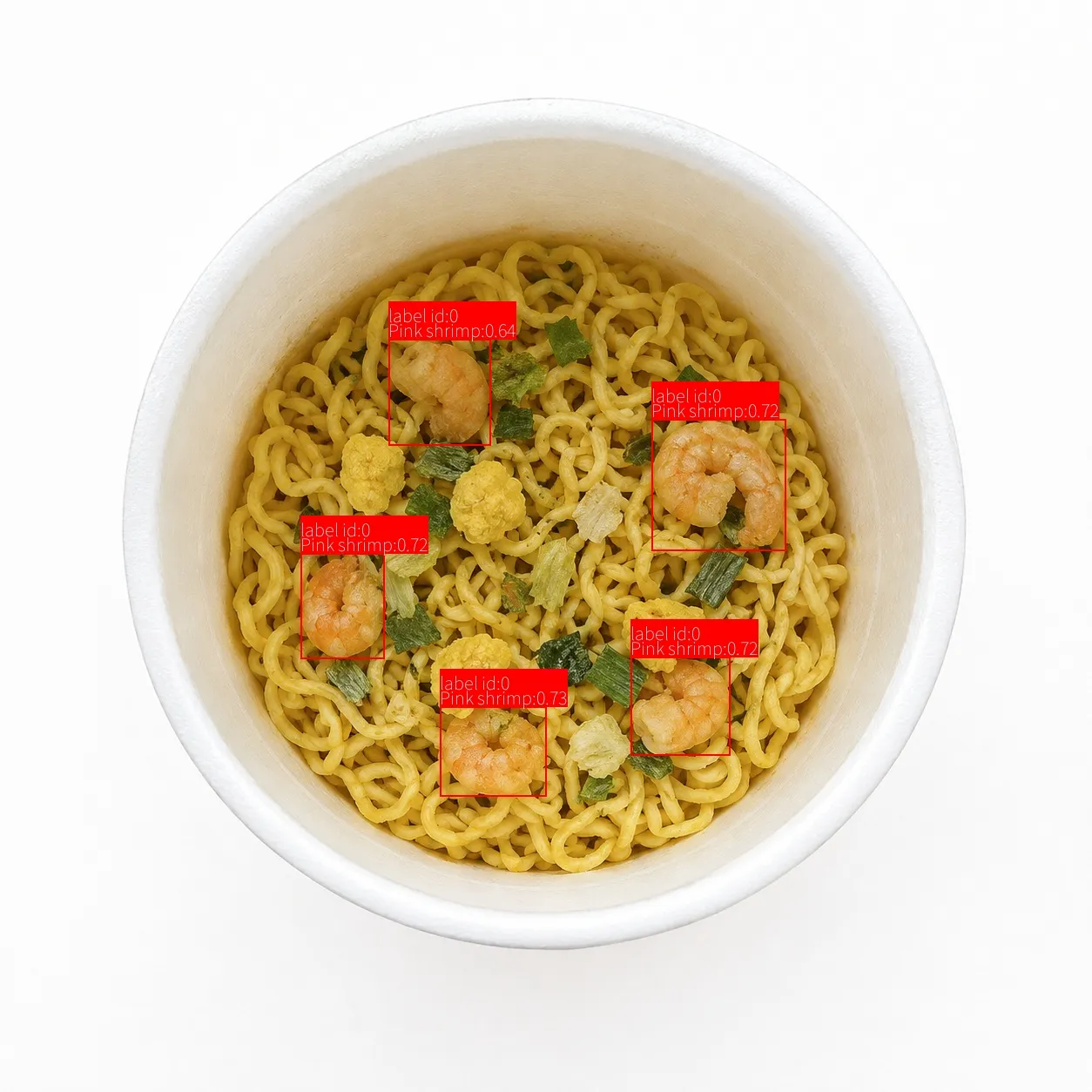
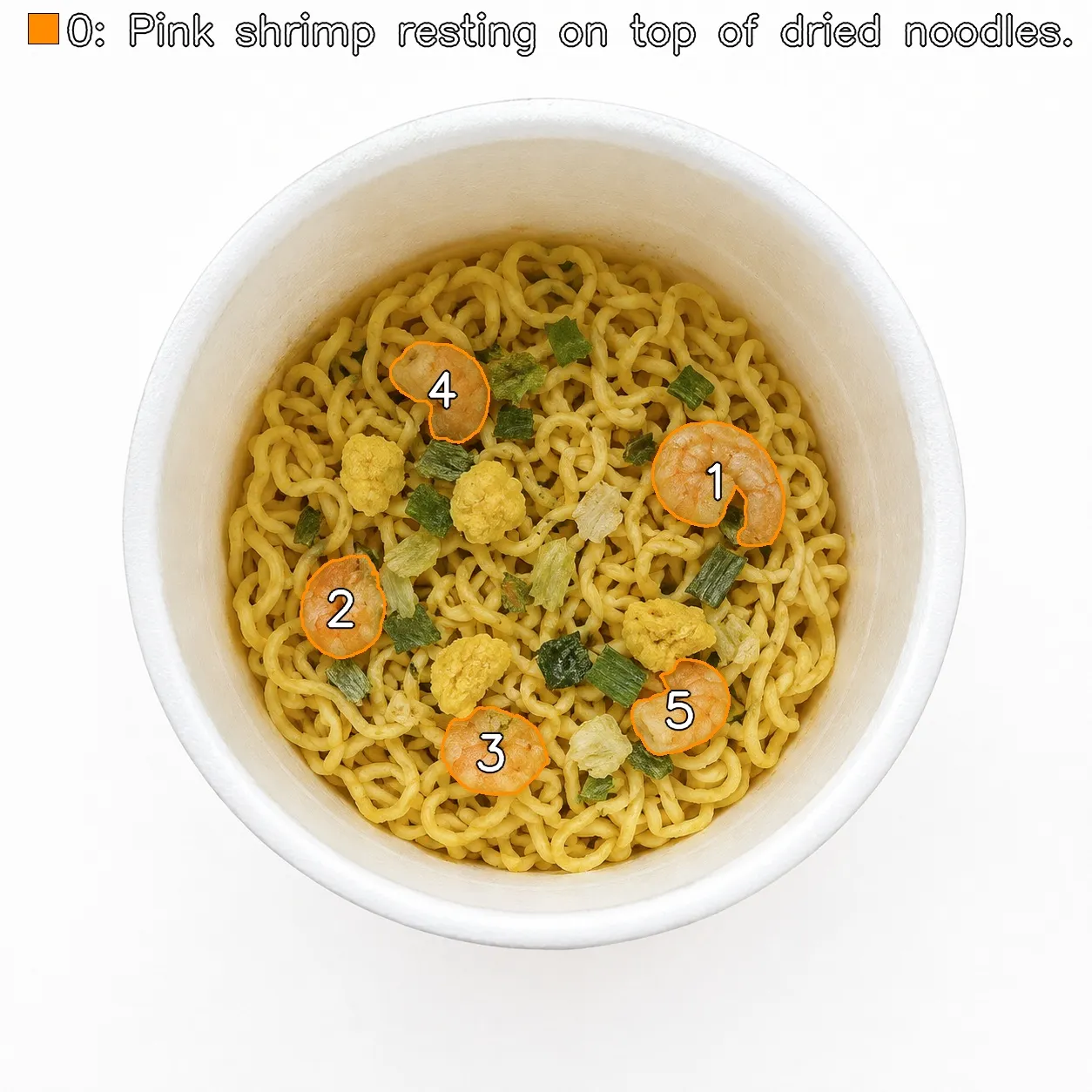
In the images below, for instance, it is finding the prawns sitting on the noodles. Marking where they are with a rectangle is object detection; pulling out each one along its outline is instance segmentation. Which you want depends on whether you need position and count, or area as well.
Zero-shot object detection
It finds the named subject as a rectangle: where in the image the subject is, enclosed in a box.
Use it when you want the position or the count. A rectangle also contains background, so its area is not the area of the subject itself.
Zero-shot instance segmentation
It pulls out the region each individual subject occupies. Beyond marking position with a box, the area a subject covers can be handled object by object.
Overlapping and nested subjects stay separate, so it suits inspections that measure both count and area.
Start from a prompt, fine-tune with images
Both zero-shot object detection and zero-shot instance segmentation are used the same way: try the subject with a prompt first, then add training from images where it is needed.
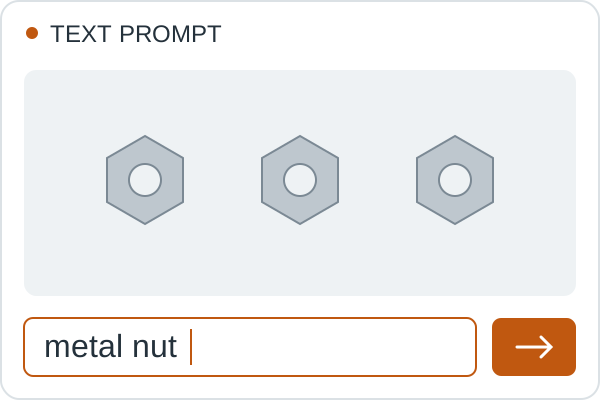
Name the subject in a prompt
Type what you are looking for as an English noun. With no prior image training, you can see the result straight away — rectangles for object detection, per-object regions for segmentation.
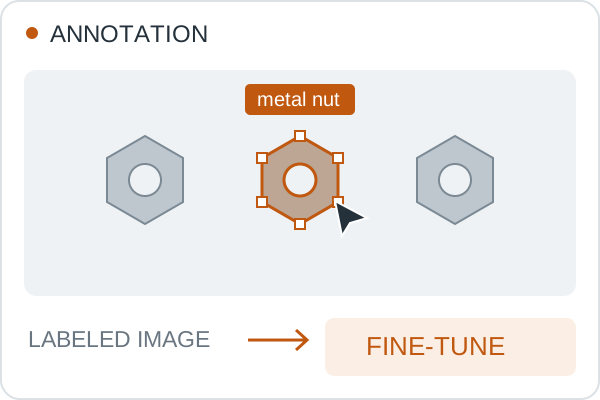
Tune it with annotated images
To tune it to your inspection subject, you can fine-tune with annotated images. Mark where in the image you want detections, and the AI trains further towards that subject.
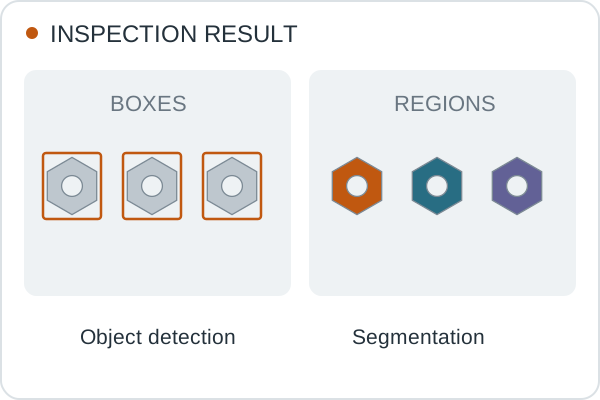
Check the result after tuning
Check what comes out after fine-tuning, and whether it gives you the positions or regions your inspection needs. Detection starts from the prompt alone, and tuning with images is added only where you want it.