Building an inspection without code, and running the training too — the thinking behind Inspection Designer
When inspection software says it can be built without code, what is usually meant is that the inspection flow can be wired up on screen. Thinking about everything from standing an inspection up to running it in production, that is not enough.
You can build the flow, but if the training data is made in another program and the evaluation happens in a third, every project means going back and forth between three applications. In practice that back and forth is what eats the time.
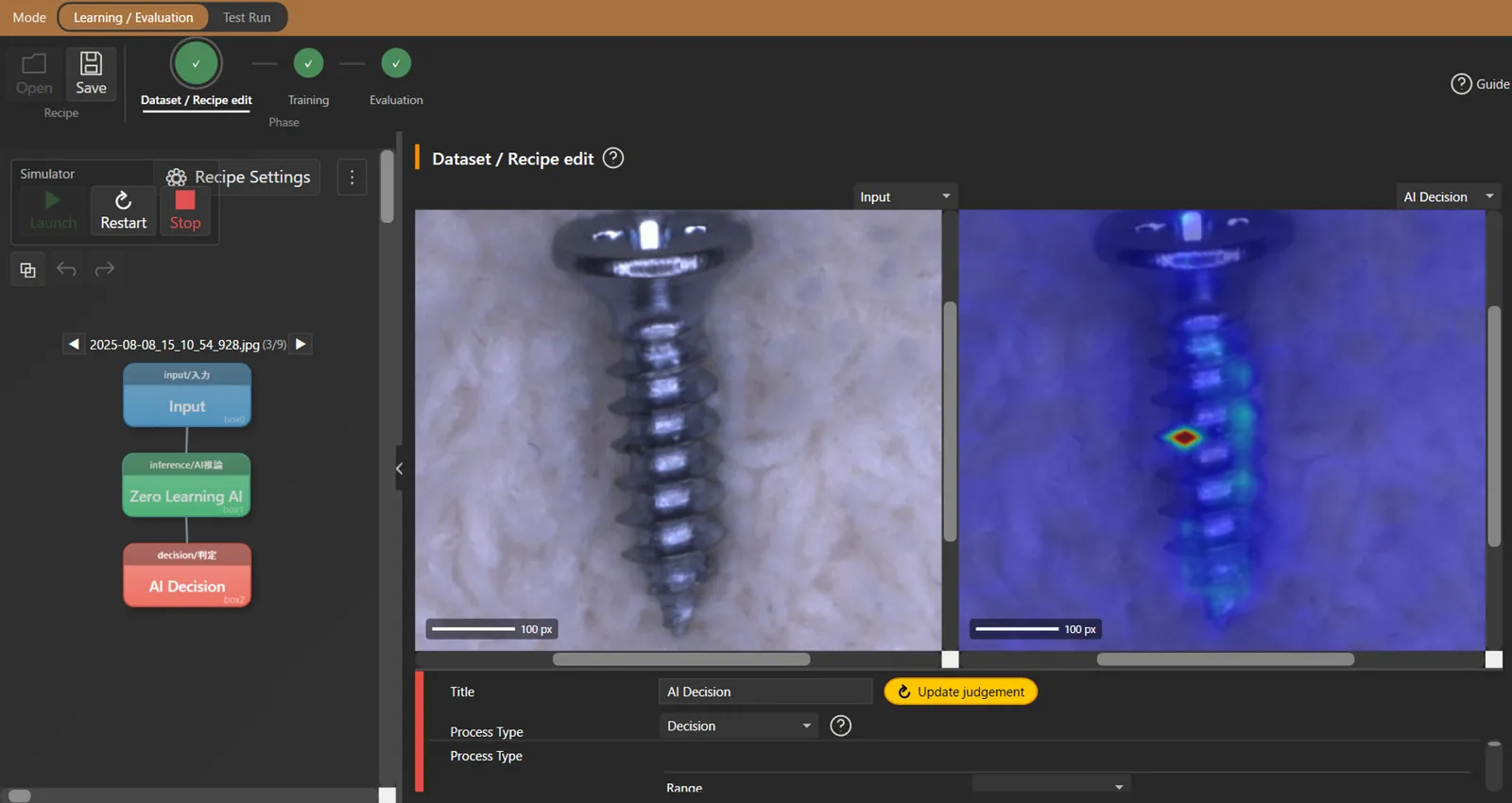
Inspection Designer holds all three — building the inspection flow, making the training data, training and evaluating — inside one piece of software. This article sets out what each of them does, and how far.
The inspection flow assumes parallel execution
An inspection flow is assembled by connecting processing modules in order. The modules available:
- Capture — industrial cameras, including continuous capture mode and colour photometric stereo
- Position correction — correcting translation and rotation of the work
- Image processing — rule-based work: pre-processing, binarisation, filters
- AI judgement — Zero-Training AI, Ultra-Fine Good Product Learning, segmentation, object detection, AI OCR
- Measurement — dimensions, area, count
- External communication — PLC communication and DIO, for a wide range of equipment
What matters in the design here is that every module runs in parallel.
In software that processes in series, adding one inspection item extends the takt by that much. “We would like more accuracy, but it will not fit the takt, so we will do without” is a decision taken on factory floors all the time. Run in parallel and adding processing only pulls the takt towards the slowest module. That is why inspection in tens of milliseconds is possible.
We also put no limit on the number of cameras or the number of AI models. If licensing dictates the shape of the inspection, the configuration you actually need cannot be built.
The AI takes over the annotation
When AI visual inspection is introduced, annotation is where the effort goes. Collecting the defect images is manageable; what stops people is tracing the defect on image after image.
In Inspection Designer, you mark one defect and the AI picks up the similar places across the image together. The person marks and checks; the tracing itself is done by the AI. It takes a fifth to a tenth of the time annotating by hand.
Annotation data made in another application can be imported as well, so if you have already built training data elsewhere, that work is not thrown away.
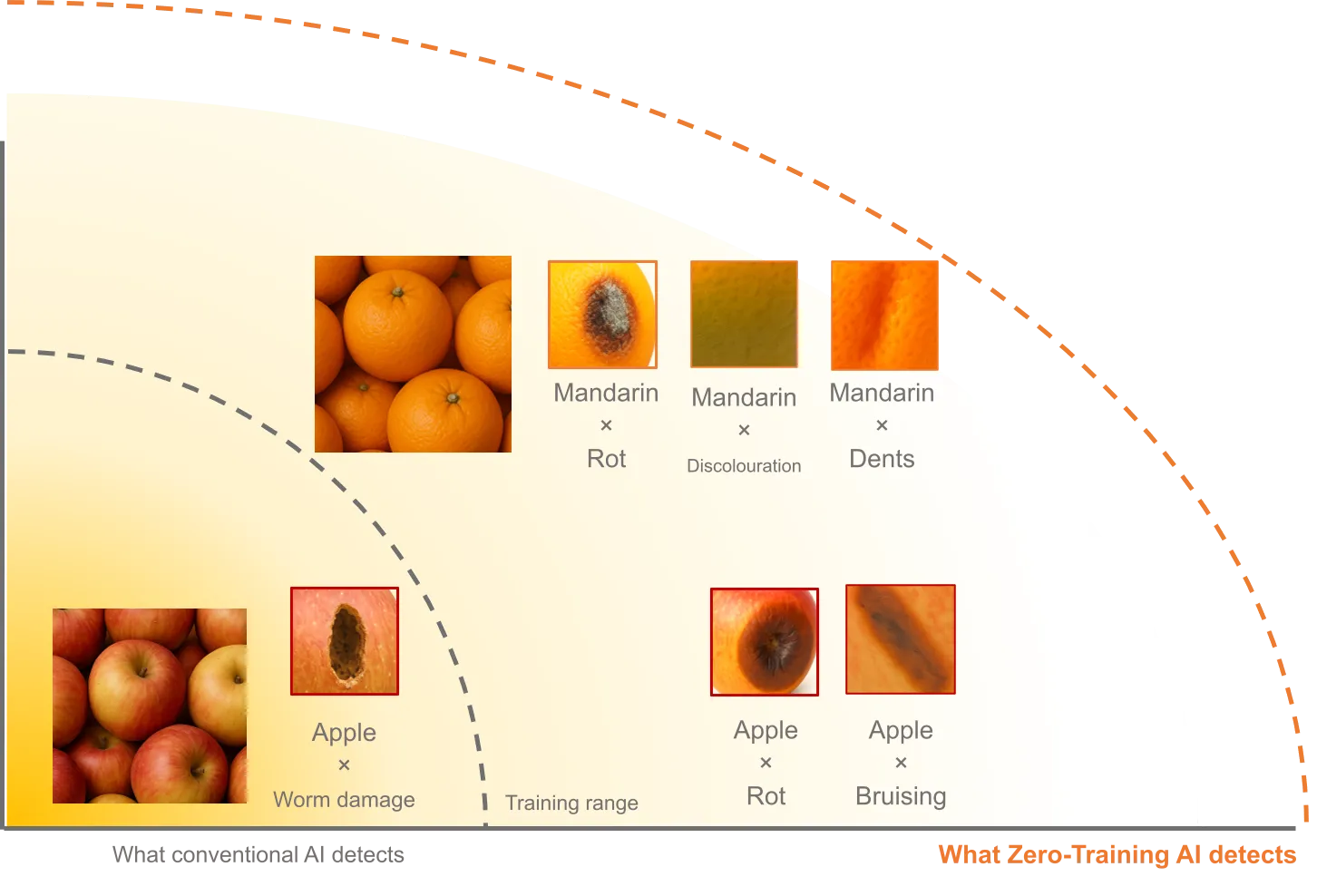
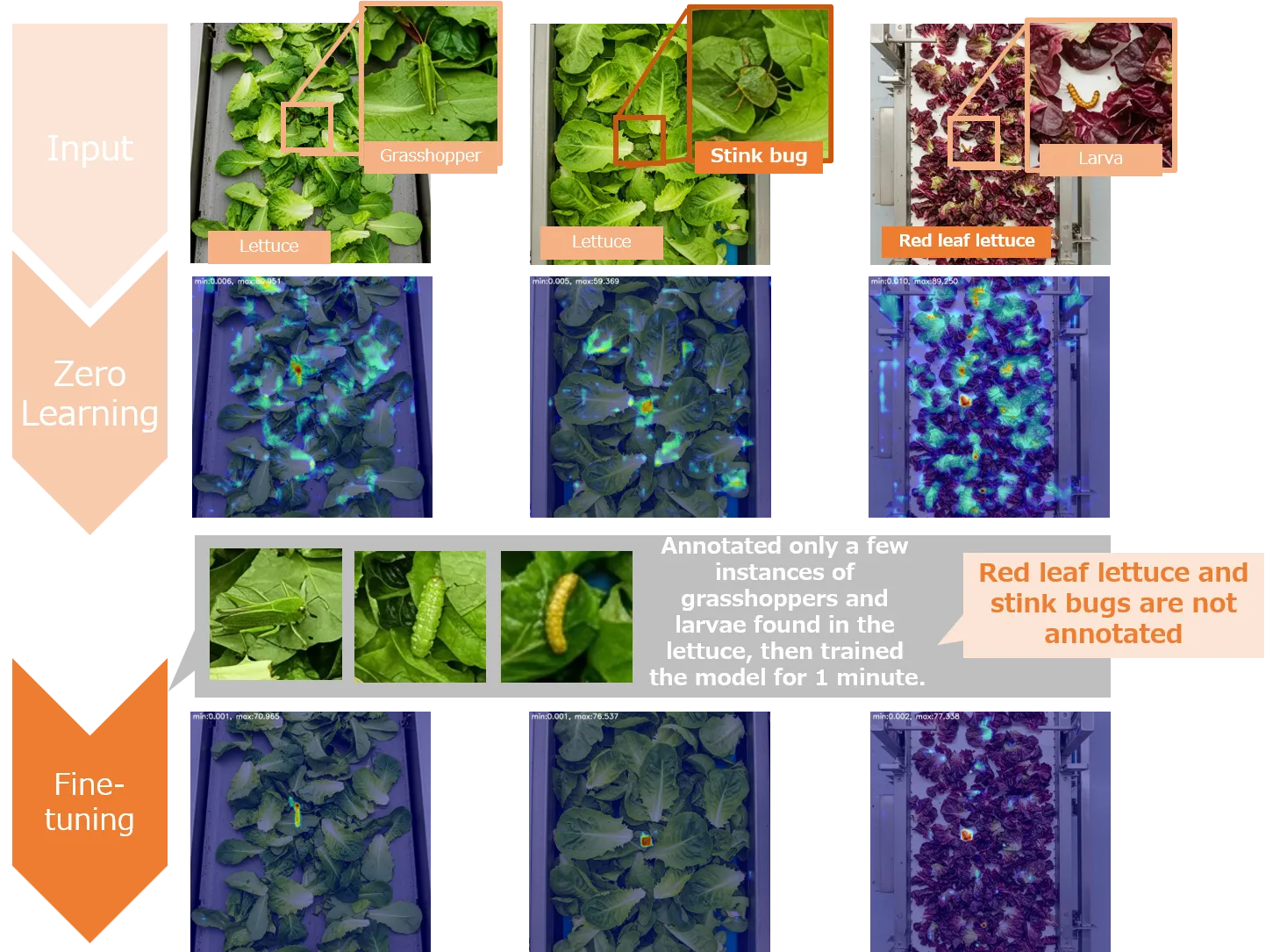
With Zero-Training AI this stage is not needed at all. Detection starts without training, so one way to run a project is to stand it up on Zero-Training AI and add training later, when accuracy is being tightened.
Training and evaluation on the same screen
Annotation, training and evaluation sit in one mode. You can move between the three without restarting the software, so the cycle turns quickly.
What helps more is that it can be saved as a dataset.
When you retrain, evaluating against different data than last time tells you nothing about whether accuracy rose or fell. Only by putting results against the same dataset side by side can you judge whether a change was an improvement. Deciding on a rule for retraining turns on whether that comparison is available.
How far “easy” goes
Honestly: what no-code removes is the programming effort, not the design of the inspection.
What counts as a defect, from what angle and under what light to capture it, whether to favour missed defects or false ones. Someone has to decide those, and software cannot decide them for you. Most of what trips up an attempt to automate visual inspection is on that side, not in the code.
What Inspection Designer takes on is the work between the decision and the working system. The deciding, we will think about with you.