Five ways AI inspects an image — and where Inspection Designer differs
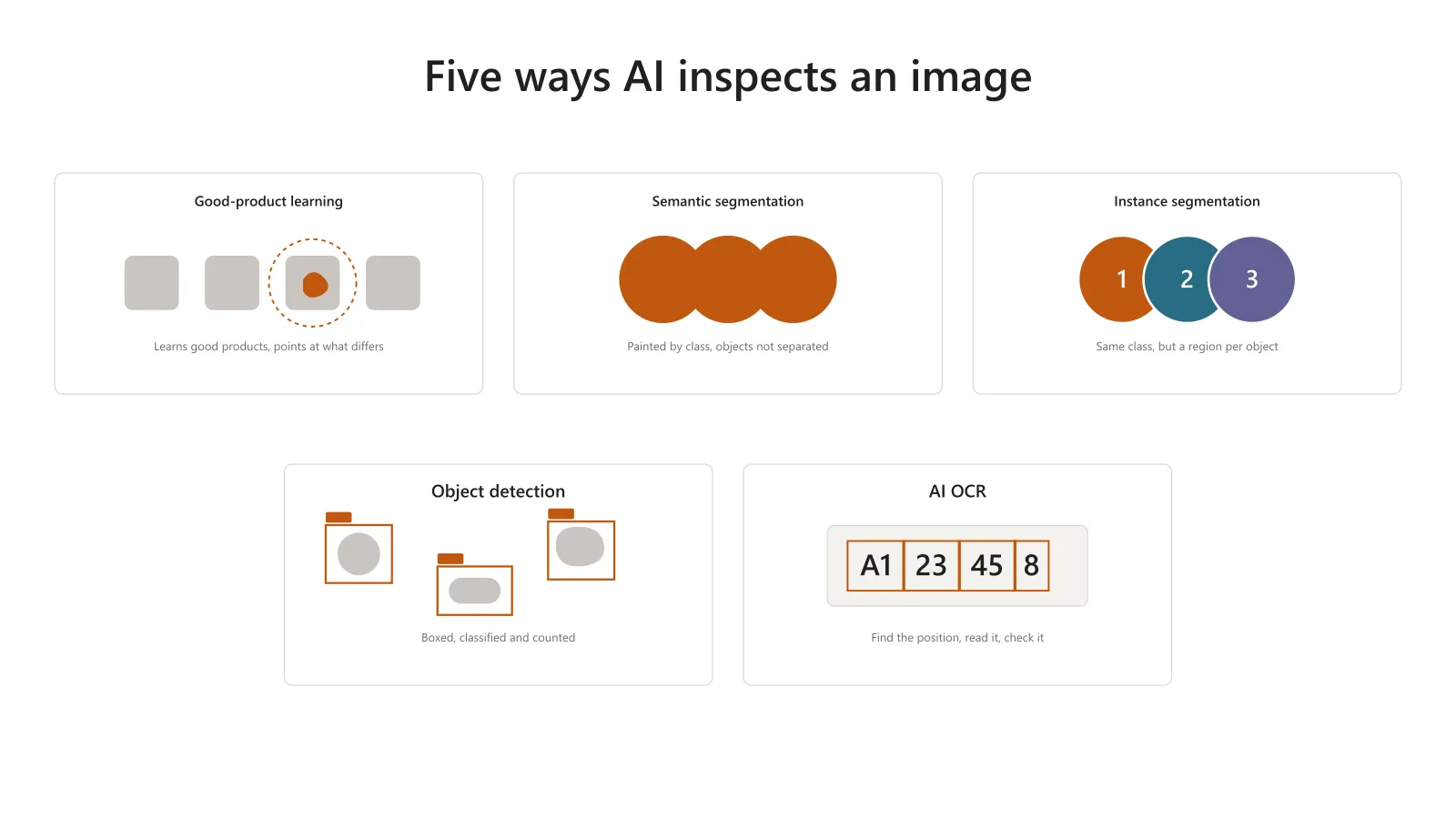
When AI is used for image inspection, what most decides the result is which method you choose. Whether what you want found is a part, an irregular patch, a character, or an anomaly nobody can describe in advance, the right method is completely different.
The AI in Inspection Designer falls into two families. Zero-Training AI (zero-shot anomaly detection, zero-shot object detection, zero-shot segmentation) needs no training data; conventional AI inspection learns from it. The first is different enough in kind that it has its own description on the product page.
This article is about the second: good-product learning, semantic segmentation, instance segmentation, object detection and OCR. Every manufacturer offers these under the same names, so a list of names tells you nothing. Here is what each can do, and how each differs from ordinary image inspection.
What actually differs between the five
Sorting them by what the AI outputs makes the choice easier.
| Method | Main output | Example inspection |
|---|---|---|
| Good-product learning | Where it differs from a good product, and how anomalous | Inspections where the defect types cannot be listed |
| Semantic segmentation | Pixel regions by class | The spread or area of rust, discolouration, adhesive |
| Instance segmentation | Pixel regions per object | The count of touching parts, and the area of each |
| Object detection | A rectangle and a class per object | Presence, position and count of parts |
| OCR | Position of the text, and what it reads | Checking a date of manufacture or a serial number |
Semantic and instance segmentation both output regions at pixel level. The difference is whether objects of the same class are told apart one by one.
Good-product learning — starts before the defect images exist
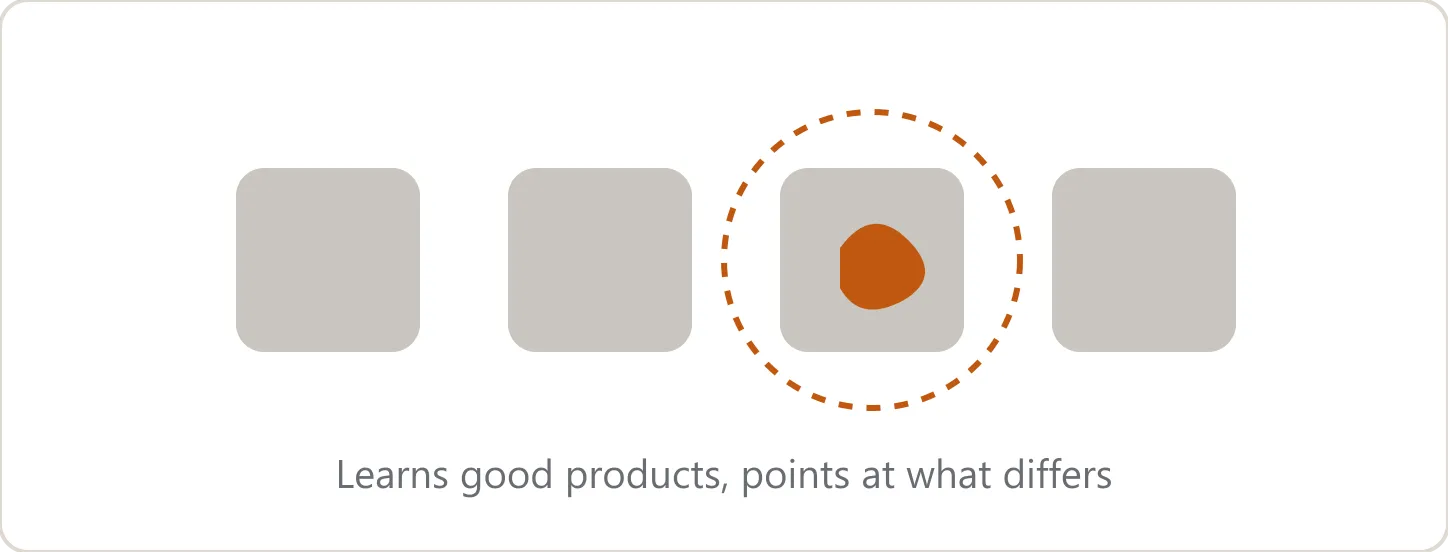
Only good products are taught, and whatever is unlike a good product is marked as anomalous. Its great advantage is that you do not have to decide in advance what counts as an anomaly, so it catches anomalies nobody anticipated. It suits processes where the defect types cannot all be listed, and the early stage where defect images have not accumulated. It needs no annotation around the defect either.
Against that, it cannot tell anomaly types apart. And because it memorises the appearance as it is, variation in position or orientation comes out as an anomaly too. Understanding it as a method meant to be combined with work on making the capture consistent — position correction, or care on the transport side — makes the start-up faster.
Inspection Designer deals with that “variation looks like an anomaly” problem by letting the threshold differ by region. Rather than judge the whole image by one standard, you can be stricter in some places than others. The area around a lot code, for instance, looks different on every part: loosen the standard just there and keep the rest strict. A patch of high variation stops being a reason to give up on good-product learning.
The smallest defect it detects is two pixels. Even a fine defect inside a large image is within reach if you specify the smallest defect size you want found. Processing time depends on the pixel count, but inspection in tens of milliseconds is supported.
Semantic segmentation — the spread of each class
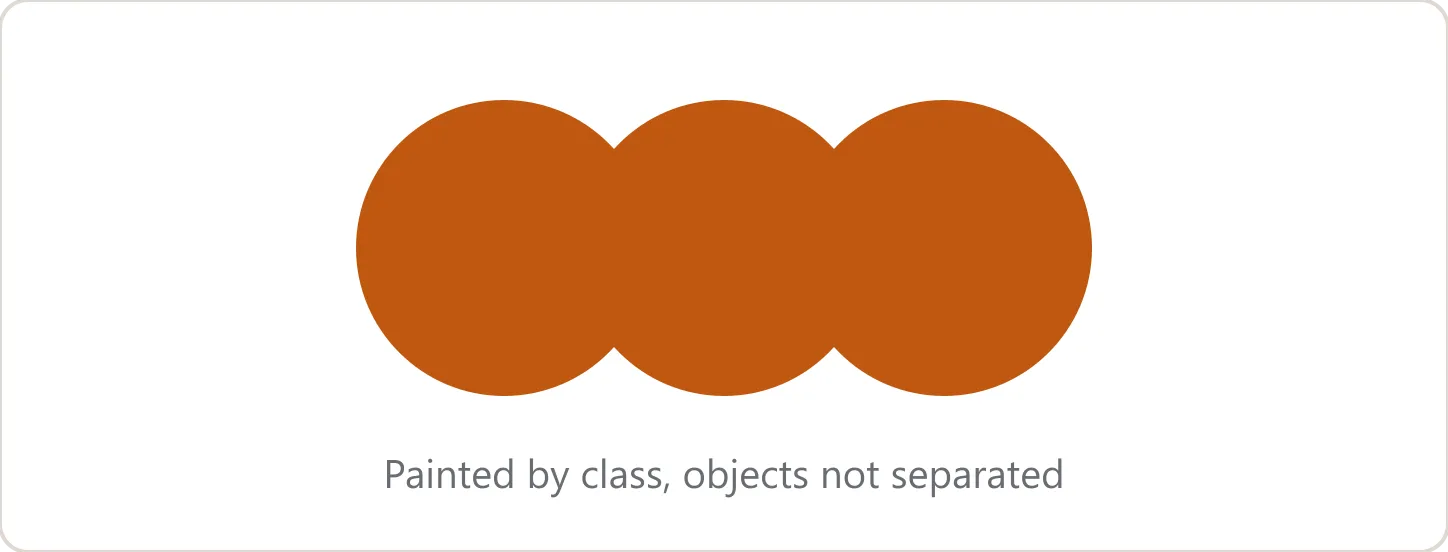
Each pixel in the image is painted by class — rust, discolouration, adhesive. It suits inspections that measure spread or area: patches with no fixed shape, the extent of a coating.
The output carries the class, but no object number distinguishing objects of the same class. If two rust regions touch, they join into one rust region. Separate regions can be counted in post-processing, but that count will not necessarily match the number of actual objects.
Choose it when you want the area or the spread of each class. If objects of the same class have to be measured individually, use instance segmentation.
Instance segmentation — the shape of each object
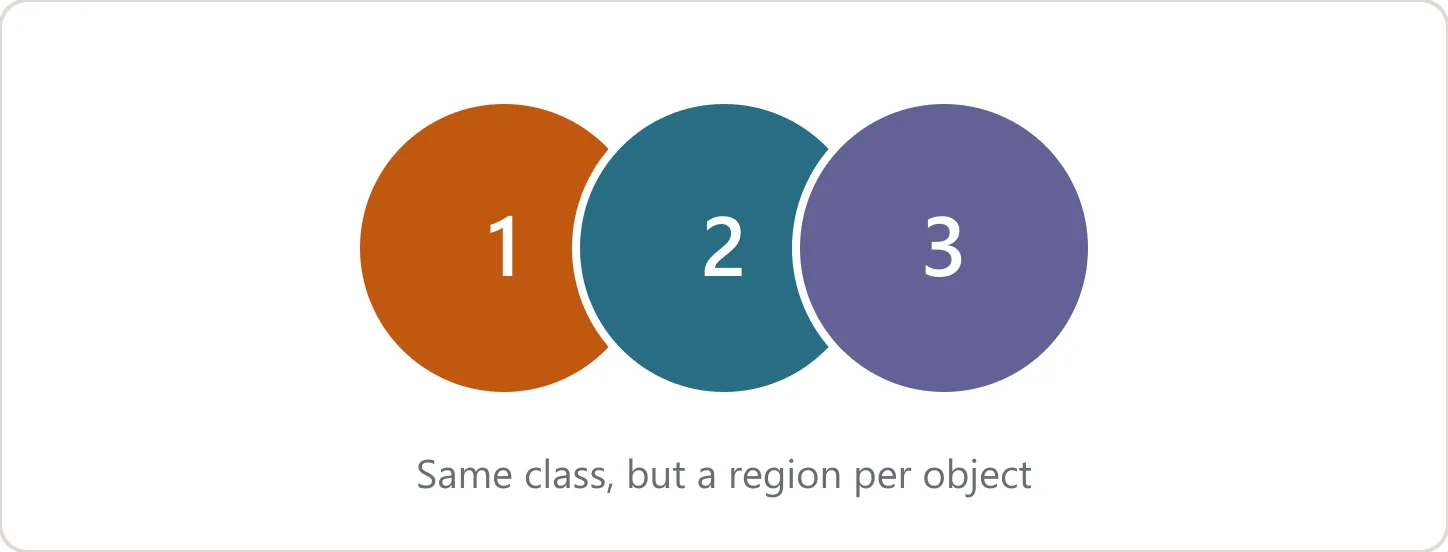
As well as the class, it gives a separate region per object. Even with identical parts side by side, it handles them as part 1, part 2, and so on.
Where semantic segmentation says what class a pixel belongs to, instance segmentation says which object it belongs to. It suits inspections that must separate touching or overlapping objects, and that need the count along with the area and shape of each.
Object detection also outputs per object, but what it outputs is a rectangle. If you need the count and the position and a region following the object’s shape, choose instance segmentation.
The difference, on the same parts
Say three identical parts sit side by side, touching. Semantic segmentation makes all three one region of the class “part”. Instance segmentation keeps each as a separate region.
If you want to know how much of the image the parts occupy, semantic; if you want to confirm there are three and measure each, instance. By class or by object determines what you can measure downstream.
Object detection — what is where, and how many
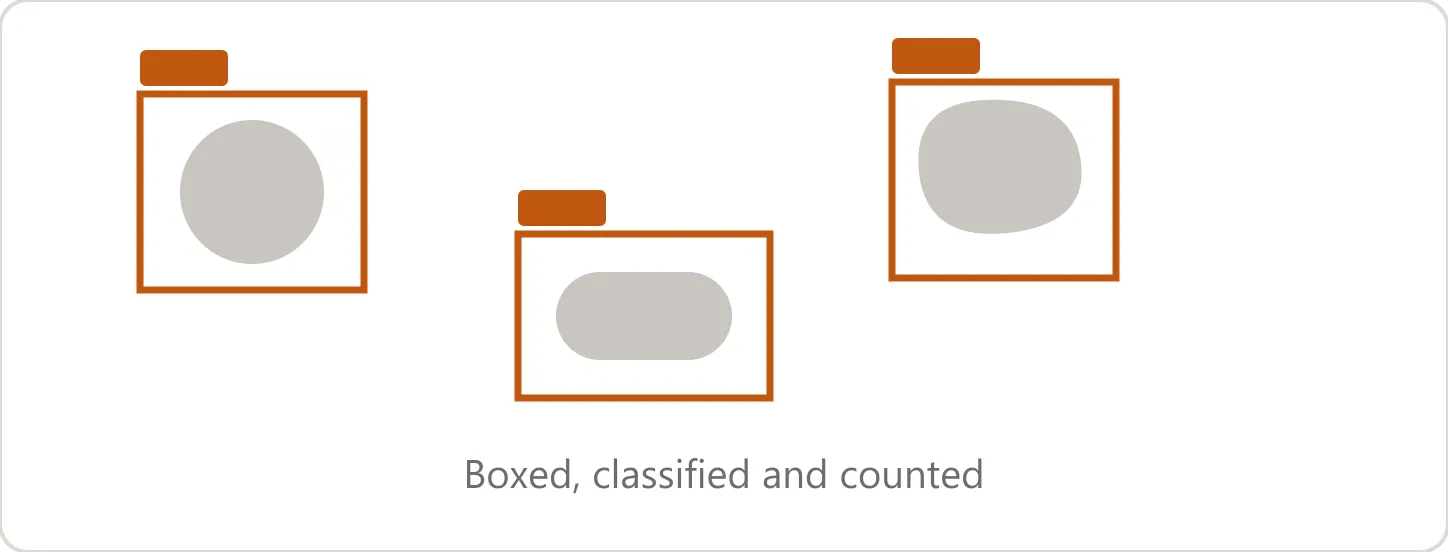
Objects are boxed, with a class and a position. It suits inspections that ask what is where: whether a part is present and how many, a connector left unplugged, a foreign object.
The rectangle contains background as well as the object. You get its width and height, but you cannot treat them as the object’s area or outline. To measure area along the object’s shape, use instance segmentation.
In Inspection Designer, annotation for training is made by boxing the anomalous areas. Separating the inspections where a rectangle per object is enough from the ones that need pixel-level regions makes the method easy to choose.
OCR — not only reading it, but fixing it
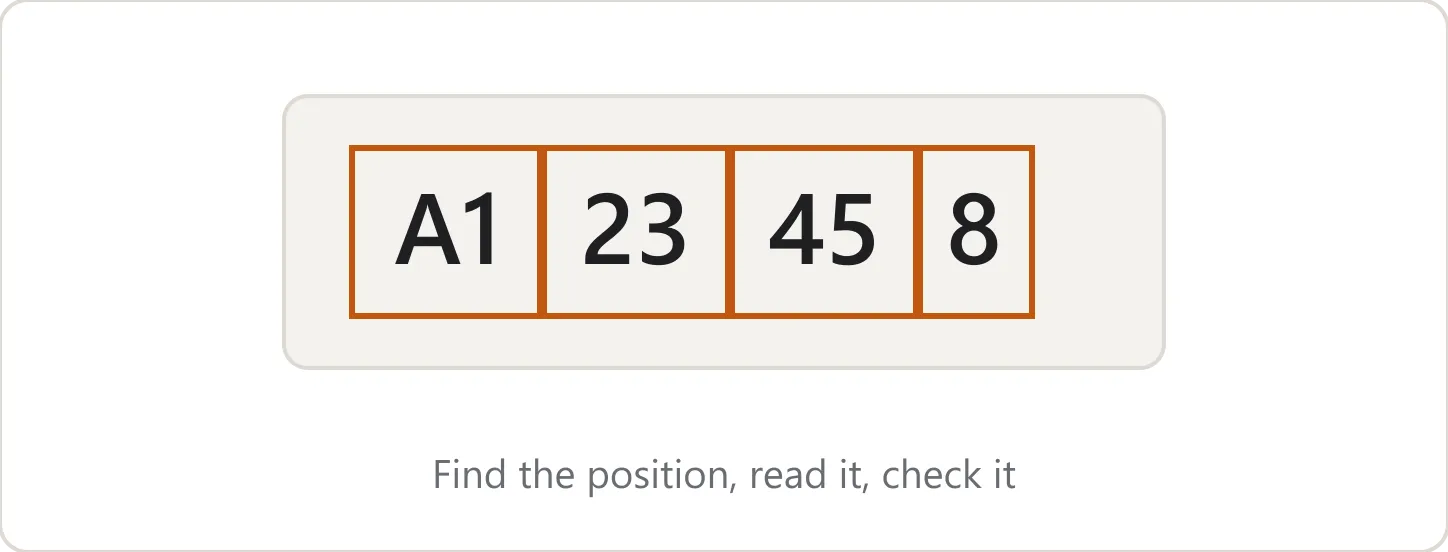
Text reading, for checking a date of manufacture, a serial number or the text on a label.
Text reading tends to stall when a character appears that the built-in dictionary or model cannot read. Stamped marks, faded print, a house font, characters buried in a patterned background: this is an area where once you are past what can be adjusted, that is the end of it.
The OCR in Inspection Designer is in two parts. One finds where the text is, the other reads the text it found, and both can be trained on your own images. A misreading is fixed by training the reading side; “it does not pick the text up at all” and “it picks up things that are not text” are fixed by training the finding side. The thresholds are in two stages as well, so whether the text gets no response or extra characters creep in tells you which one to adjust.
Text annotation has its own tool. Boxing a defect and typing in characters are different kinds of work, and doing both on the same screen is awkward. There are two ways to go about it.
- Leave it to the AI — the AI proposes the positions and the readings, and a person corrects only what is wrong
- A person sets the positions — a person marks where to read, the AI guesses only what it says, and a person corrects it
During training, the score is shown in three parts: overlap of position, match of characters, and match of both. The numbers tell you whether to work on the position or on the reading next.
For pass and fail you choose from exact match, partial match, regular expression match and character count, and conditions can be combined so several have to hold at once.
What really differs across all five
Other software offers the same list of methods. What Inspection Designer puts its weight behind is finishing the method you chose to the point where it works on a factory floor. That divides into four: how accuracy is confirmed, how long the start-up takes, how fast it runs on the line, and how the methods can be combined.
1. The means to confirm accuracy
Accuracy has to be measured correctly before it can be raised. Measure it coarsely and you ship something to the floor believing it has improved.
Being able to look at it per region. Look only at the per-image hit rate and finding one defect in an image counts as correct, while the defects you missed never show in the number. In data we evaluated ourselves, every defective image was detected at image level, yet at region level four places stayed undetected at every threshold. That only appears if you have an axis that counts regions.
Being offered threshold candidates. It proposes the point with the fewest missed defects, the point with the fewest false detections, and a balance between them, and you can look at the judged images for each. The balance point is set by saying in numbers how many false detections one missed defect is worth. Since a missed defect usually costs more in inspection, the default weights misses heavily.
Being able to compare the new model against the old. The model you have just trained and the model currently in production are evaluated under the same conditions, one after the other, and the results compared on tabs. Which means you can see what it is worth before you swap it in.
2. The time the start-up takes
Most of the effort in standing an inspection up goes not on the AI itself but on moving between stages.
Collecting, training and confirming accuracy all happen in one application. The same dataset is managed with training and evaluation tags, and a trained model can be evaluated on the spot. No restarting the software.
Training does not have to run long. During training, its ability to discriminate is measured on images it was not trained on. When that stops improving, training is cut off and the best-performing model is kept. Because the judgement is on discrimination rather than on how the loss is falling, no time is spent in the state where training is progressing and defects still cannot be told apart.
3. The speed it can reach on the line
However accurate it is, it is no use if it does not fit the takt.
We combine a range of techniques to reach the speed the floor needs. What decides it in practice is whether speed holds when AI is layered. A configuration combining object detection with Zero-Training AI has come in under 300 ms. That avoids the situation where adding a method for accuracy puts you over the takt.
4. Freedom to combine methods
Try to do everything with one method and something usually gives.
What one method found can be handed to the next. Good-product learning can find the place that is unlike the usual, but not what kind of anomaly it is. Hand the location to object detection and it can sort what is there by class. The idea is to divide finding from classifying.
You can also build it the other way: use segmentation to remove everything outside the object, then inspect. Drop the positional shift and the background in the first stage and the later method can concentrate on its real job. All of which is built by drawing lines between processing modules.
Being able to change method is itself the value
What usually eats the time in standing an image inspection up is starting to collect data before anyone knows which method could do the job. Try a promising method, confirm accuracy at region level, set the threshold, and if it is not enough, swap methods. Being able to go round that loop as many times as you like inside one piece of software is what most distinguishes Inspection Designer.
Which method suits is not knowable without trying it on the real subject. The first pre-validation is free, and it starts with a conversation of about thirty minutes.